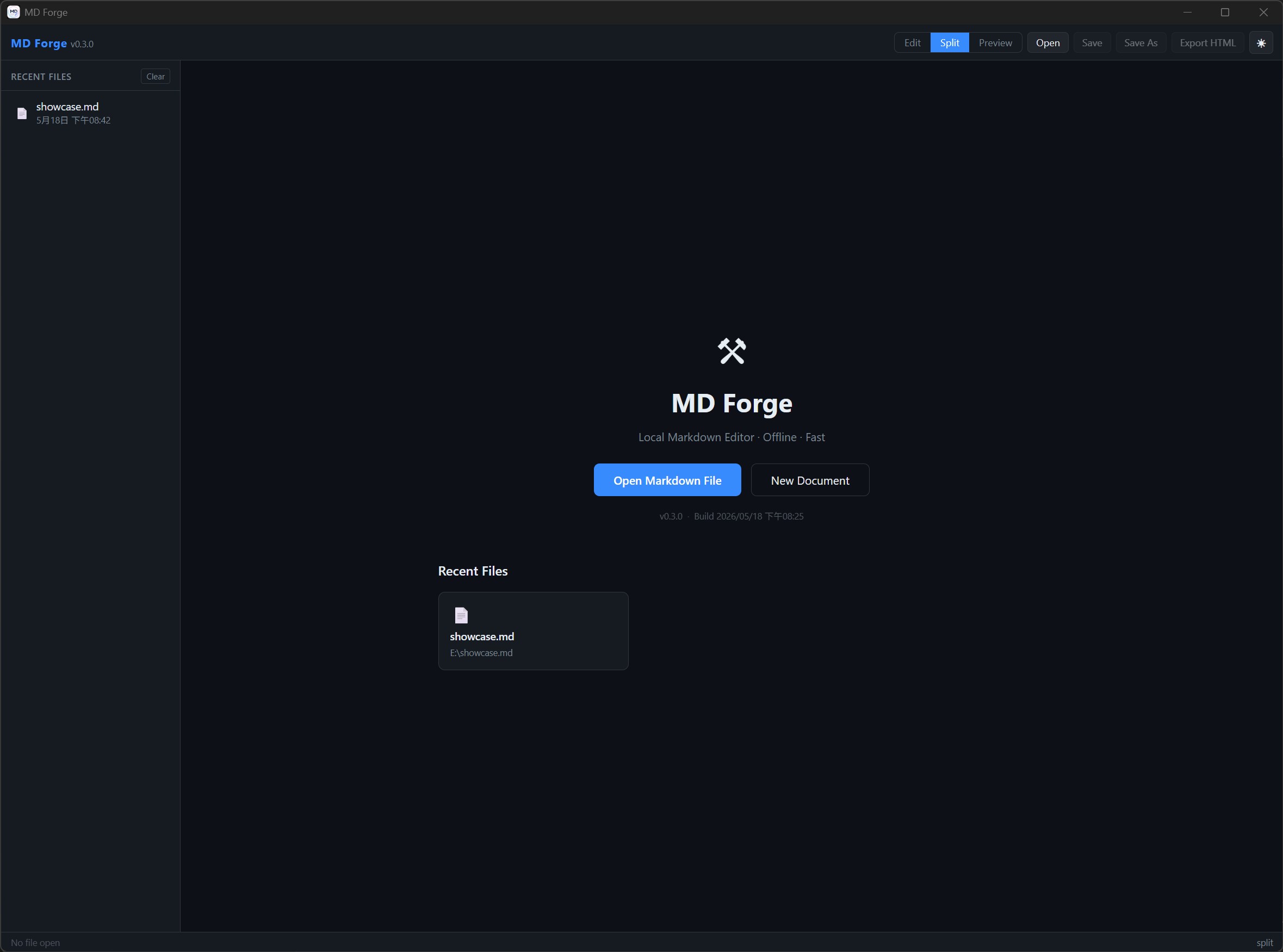
首頁 — 最近開啟的檔案Home — Recent files
MD Forge 是一款以本機檔案為核心的桌面 Markdown 編輯器。 支援即時預覽、多分頁、Mermaid 圖表、HTML 匯出,並能自動從標題生成 TOC 側邊欄, 點擊即可跳至對應段落,讓長篇技術文件也能保持清楚結構。 MD Forge is a local-first desktop Markdown editor with live preview, multi-tab editing, Mermaid diagrams, HTML export, and an auto-generated TOC sidebar that lets you jump through long technical documents with ease.




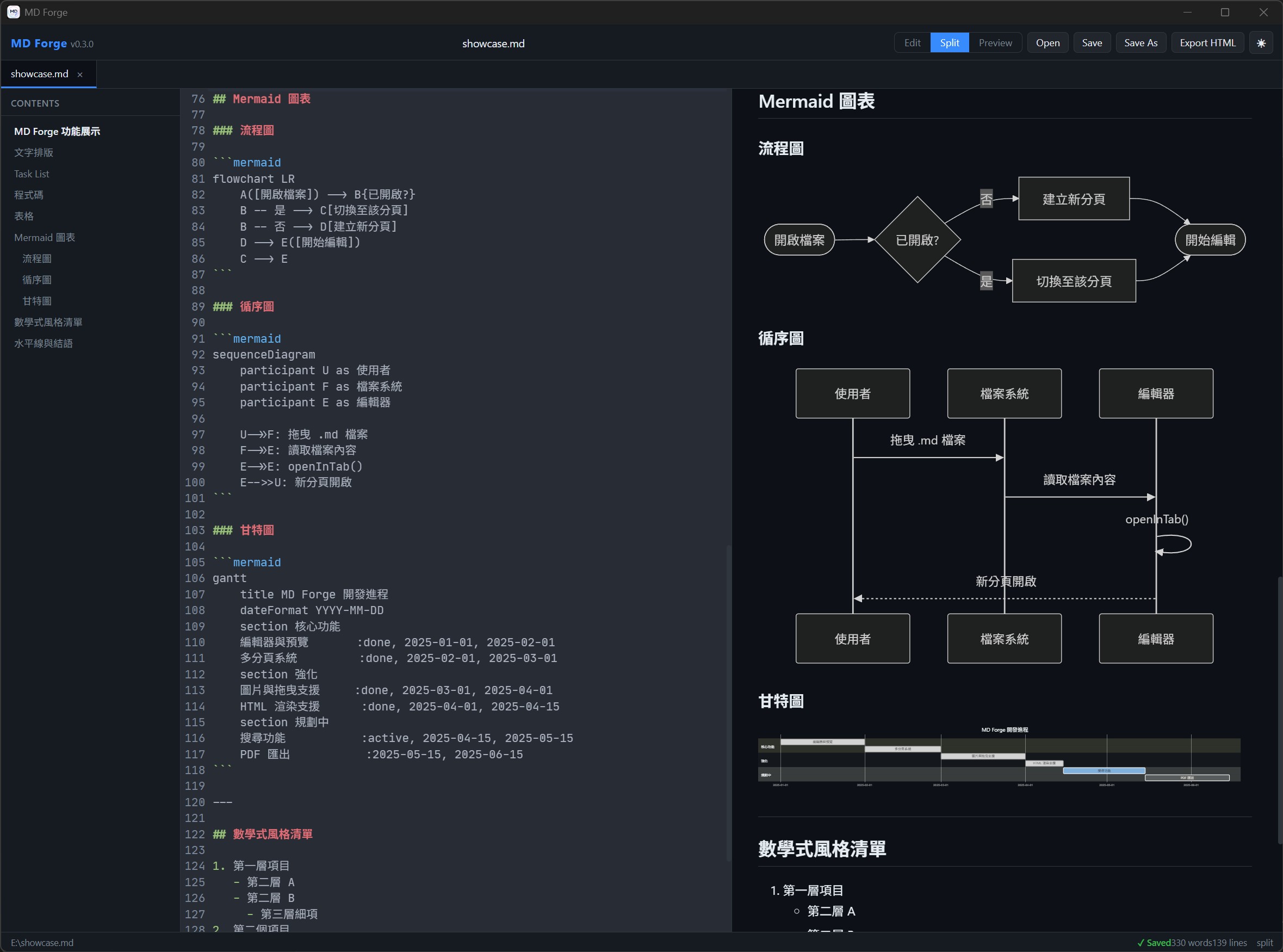
從首頁、最近檔案到 Split View,MD Forge 讓 Markdown 編輯流程維持清楚、直接而不打擾。 From recent files to split view, MD Forge keeps the editing experience clear, direct, and distraction-free.
首頁 — 最近開啟的檔案Home — Recent files
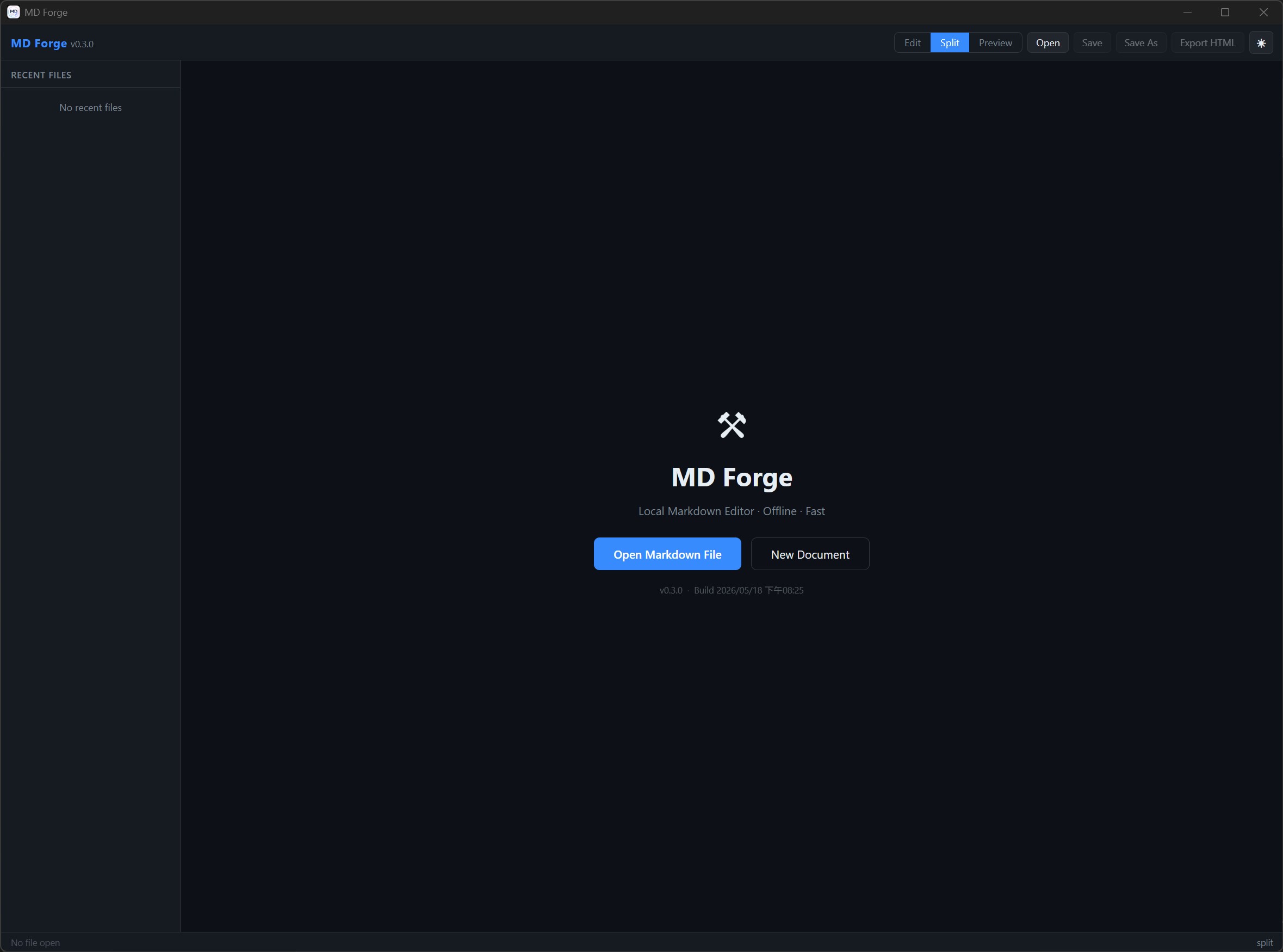
首頁 — 初始狀態Home — Initial state
以本機檔案為中心,降低依賴,讓文件掌控權回到使用者手上。 A file-centered workflow that keeps ownership and control on your machine.
MD Forge 會自動從 Markdown 標題生成 TOC 側邊欄,支援中文與 Unicode 錨點。 編寫規格書、工作日誌、API 文件或技術筆記時,可直接點擊目錄跳到對應段落, 不必在長文件中反覆捲動尋找位置。 MD Forge automatically builds a TOC sidebar from Markdown headings, with Unicode anchor support. When writing specs, work logs, API docs, or technical notes, you can jump to any section instantly.
寫作需要的一切,保留清楚的流程;不必要的干擾,則保持在視線之外。 Everything you need for Markdown writing, without adding noise to your workflow.
同時開啟多個文件,相同檔案不重複開啟。關閉所有分頁後自動回到首頁。Open multiple documents at once, avoid duplicate tabs, and return home when every tab is closed.
Edit / Split / Preview 三種模式隨時切換,Split 模式下左右同步捲動。Switch between Edit, Split, and Preview. Split mode keeps editor and preview in sync.
流程圖、循序圖、甘特圖等直接在 Markdown 中繪製,亮暗主題自動切換。Render flowcharts, sequence diagrams, Gantt charts, and more directly in Markdown.
本機圖片、網路圖片、Data URI Base64 圖片均可正確顯示。Local images, remote images, and Data URI Base64 images all render correctly.
自動從標題生成目錄,點擊跳至對應段落,支援中文等 Unicode 錨點。Auto-generate a table of contents with Unicode anchor support.
雙擊關聯、拖曳、命令列傳入路徑,皆可在同一視窗新分頁開啟。Open by file association, drag and drop, or CLI path — all in one window.
亮色 / 暗色主題、字體大小、自動換行與使用偏好皆持久化儲存。Light/dark themes, font size, word wrap, and preferences are persisted locally.
一鍵匯出為含完整樣式的獨立 HTML 檔案,直接在瀏覽器開啟分享。Export a styled, standalone HTML file for opening and sharing in any browser.
透過拖曳、雙擊或命令列快速載入 Markdown 文件。Load Markdown files by drag-and-drop, double-click, or command line.
在 Split View 中同步編輯與預覽,技術文件與流程圖都能即時確認。Write in split view and validate technical docs or diagrams instantly.
將文件輸出為可獨立開啟的 HTML,方便歸檔、交付或分享。Export to standalone HTML for archiving, delivery, or sharing.
目前以 Windows 版本為主。更多平台可依後續需求規劃。 Windows is currently supported. More platforms can be planned later.
↓ 前往最新發行版Latest release